Learn the Basic to Advanced Level Video Editing Skills in Adobe Premiere Pro
ABOUT the COURSE
Course Language
Hindi + English
Course Mode
100% Offline, Fully Hands-On Practical Teaching + Training in the Digital Classroom + Studio
Total Course Duration
30 Days Training + 15 Days Internship
Course Timings
11-AM to 2-PM
Monday to Friday
From Next Batch Date
Course Fees
₹ 30,000/-
Course Location
Roaring Film School Studio
VRIF, Silver Jubilee Bhavan,
VTU Campus Belagavi, Karnataka
Total Seats
20 Students / Batch (10 Male & 10 Female)
Eligibility
● 18-50 Years Age
● Basic Computer Operating Skills
● Basic English Knowledge
● Have Own Laptop
Admission Process
Submit Online Application Form
Attend Online Qualifying Session
Make Payment & Confirm Seat
course Curriculum
What you will Learn in this Course
Section 1 - Basics of Video Editing
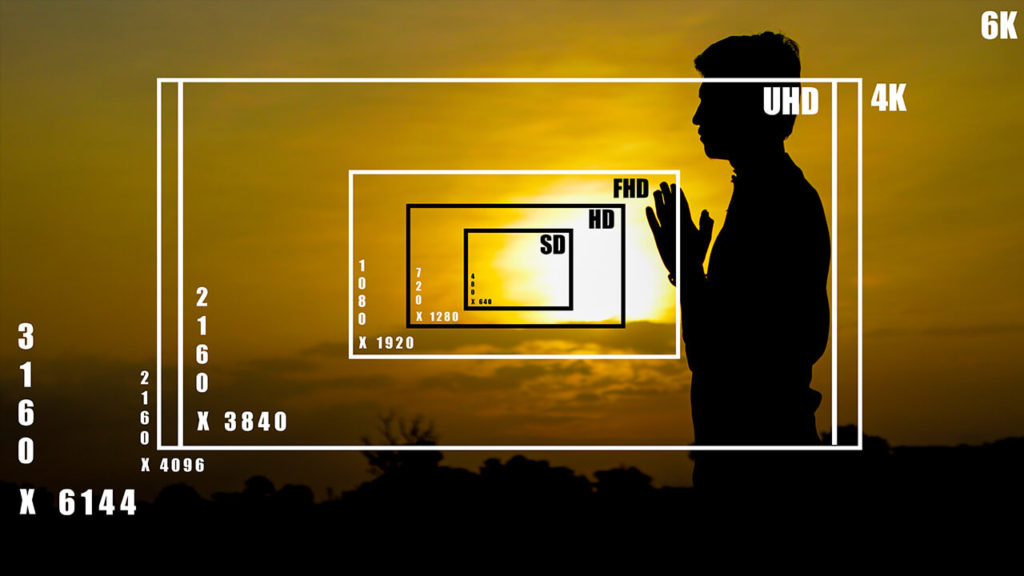
In this section, you will learn about the basics of video editing. Like, what is the frame rate, what is resolution, and what is the aspect ratio? Etc
Section 2 - Video Editing Equipment
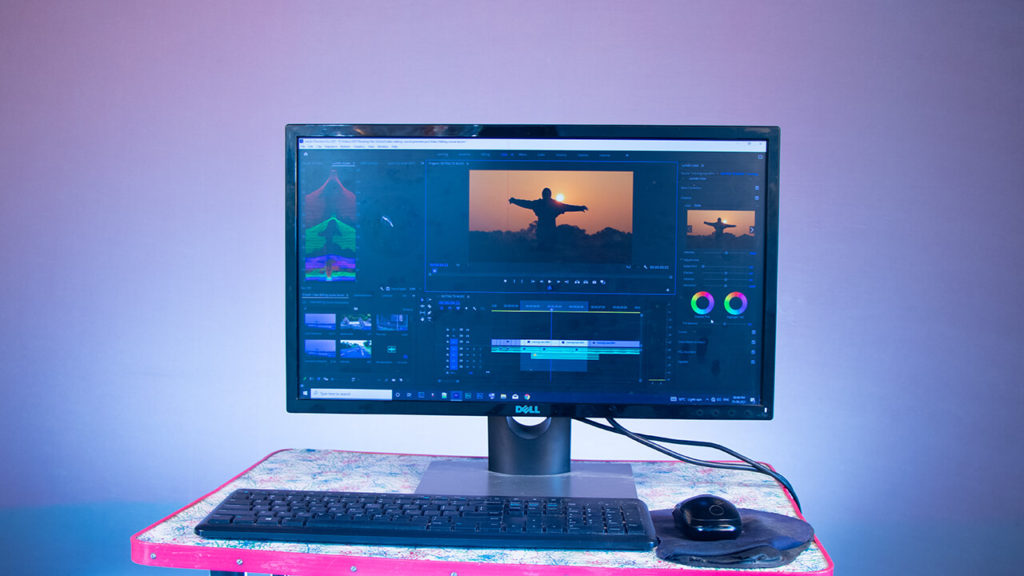
In this section, you will learn about the system and equipment required for video editing. Which laptop or computer should you use for video editing, Which editing software should you use? and many more.
Section 3 - Prepare to Edit
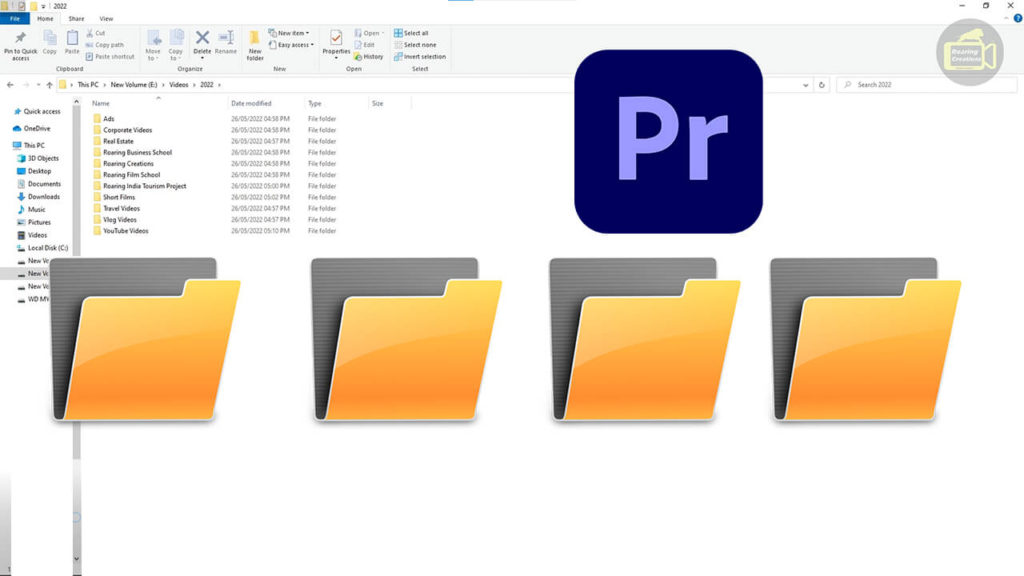
In this section, you will learn about the Preparations of video editing, Data Management, and Importing videos that are going to edit.
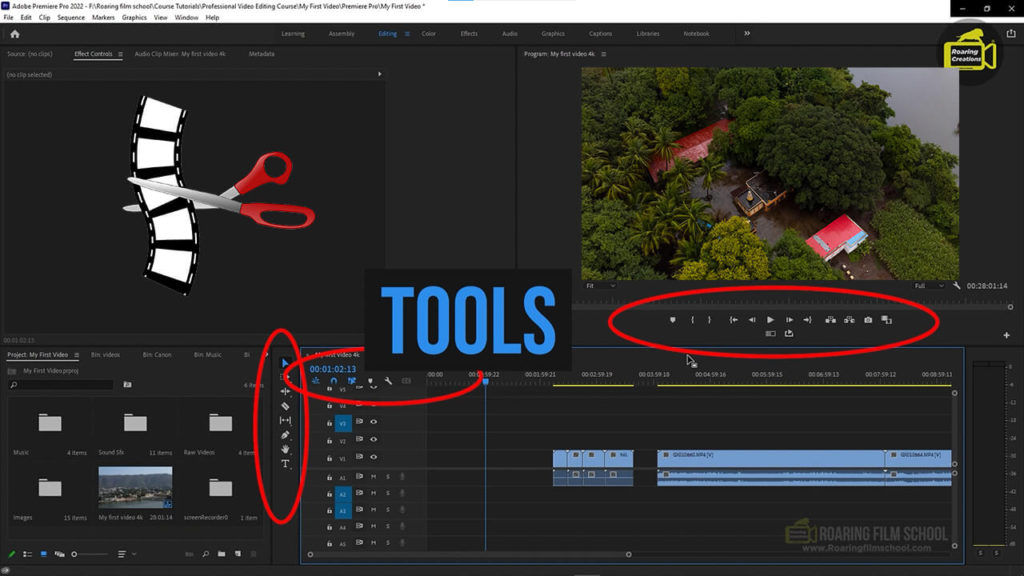
Section 4 - Video Editing Tools
In this section, you will learn about the most commonly used tools and options in video editing.
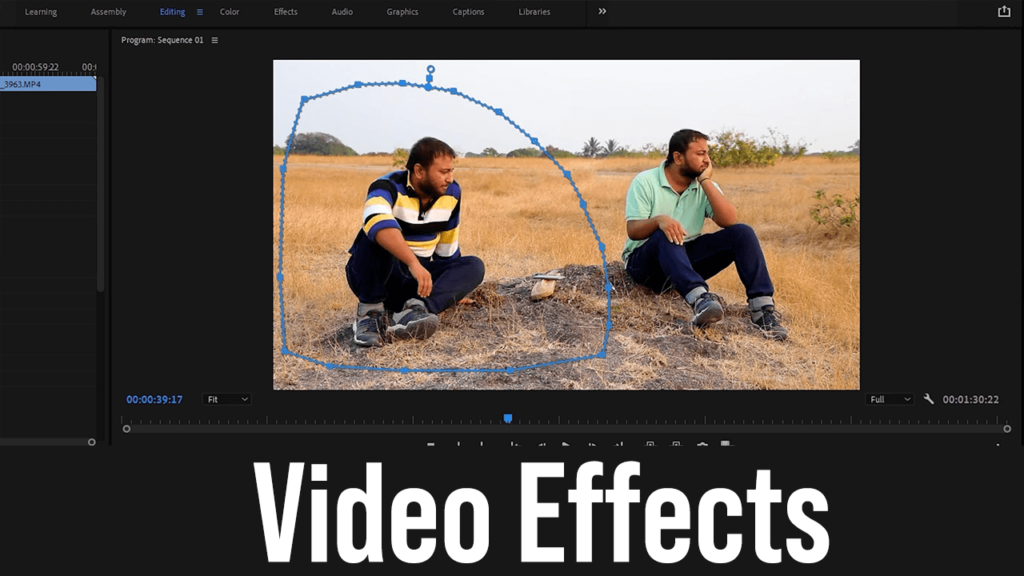
Section 5 - Video Effects
In this section, you will learn about the most commonly used video effects in video editing.
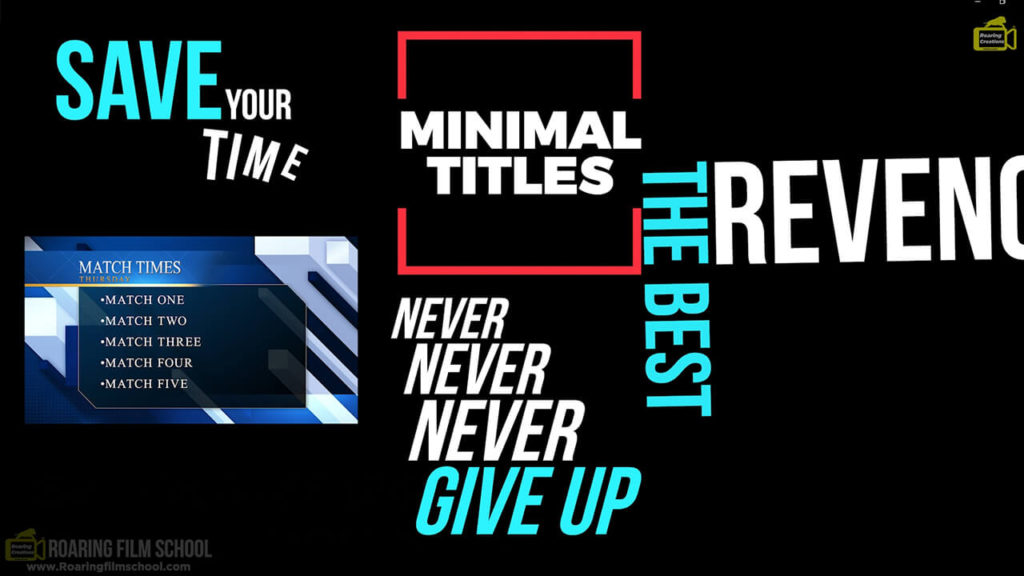
Section 6 - Cinematic Titles
In this section, you will learn about how to add cinematic creative titles to videos.
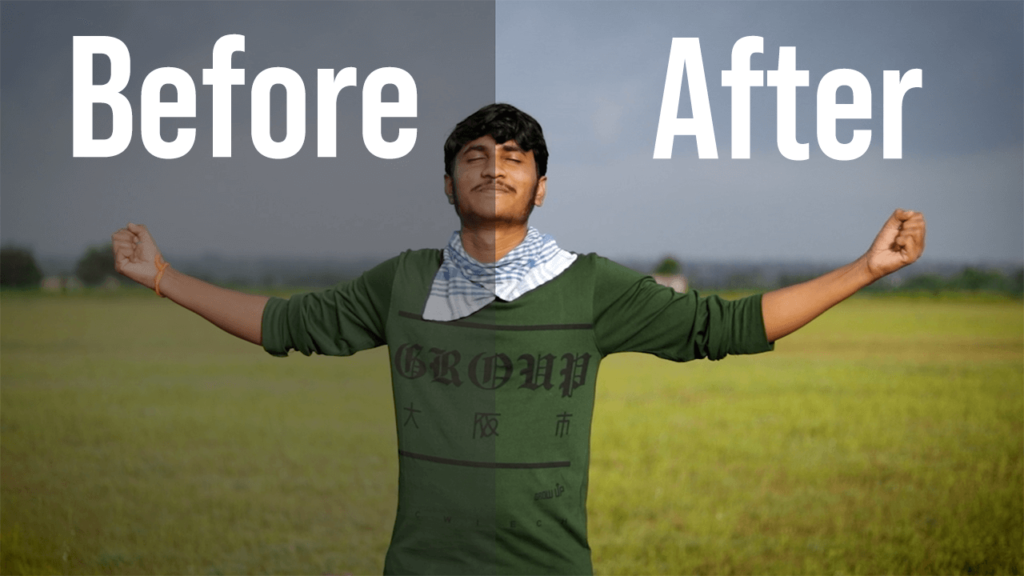
Section 7 - Color Correction & Color Grading
In this section, you will learn about Color Correction and Color Grading in detail.
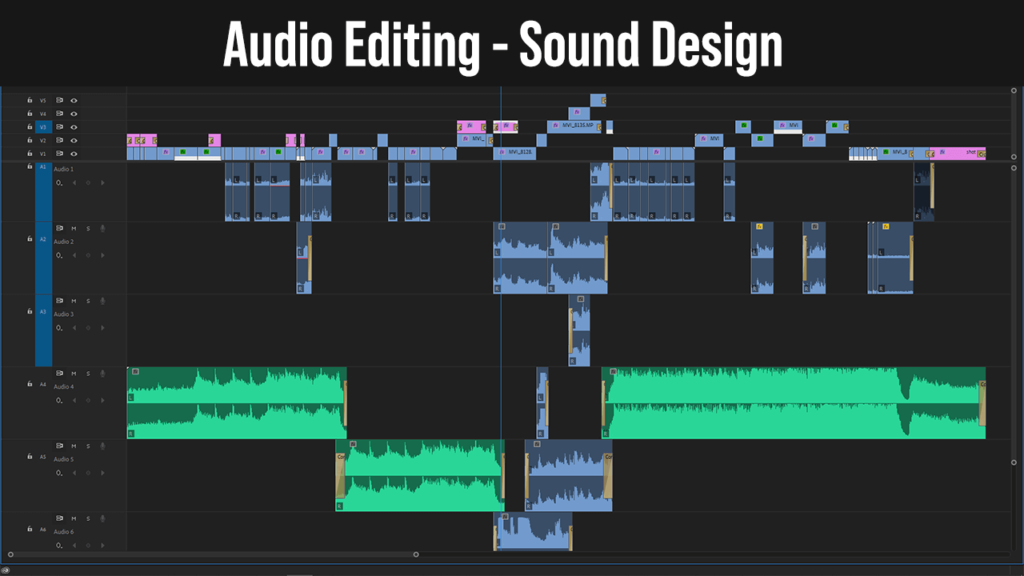
Section 8 - Audio Editing & Sound Design
In this section, you will learn about Audio Editing and Sound Design. Importance of sound design in professional video editing.
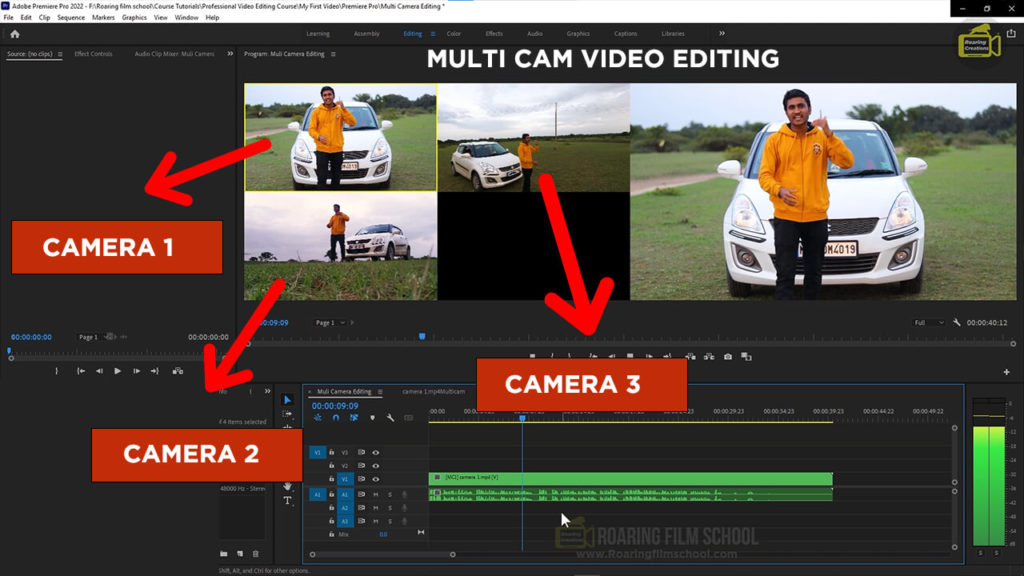
Section 9 - Multi Cam Editing
In this section, you will learn about how to edit multi angel videos and multi-cam videos.
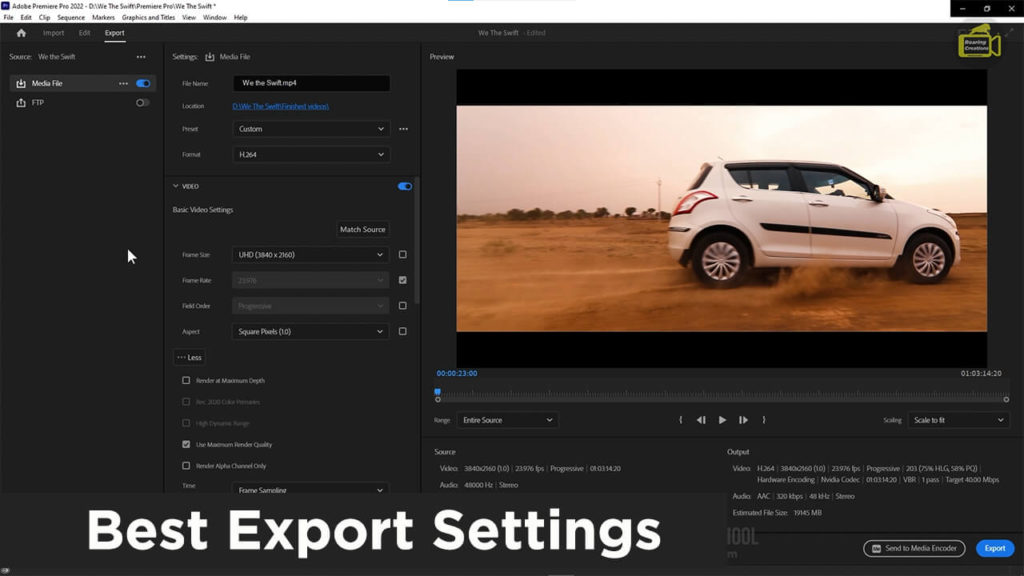
Section 10 - Export & Share
In this section, you will learn about Best Export settings and Instagram Export settings, and My Keyboard Shortcuts.
Section 11 - Templates and Plugins
In this section, you will learn about Templates and Plugins, How to make a 3d logo intro, and how to modify templates and some important plugins.
Section 12 - Creative Video Editing
In this section, you will learn about Creative Video Editing.
Section 13 - My Editing Workflow
In this section, you will learn about my exact video editing workflow.
Section 14 - Video Editing Business
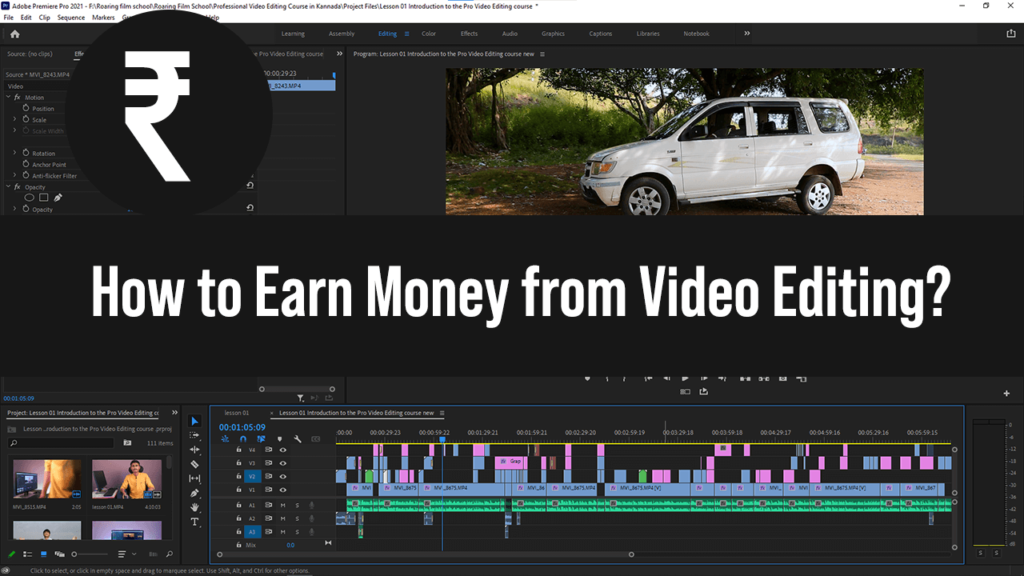
In this section, you will learn how to make money from video editing.
Software Taught in this Course
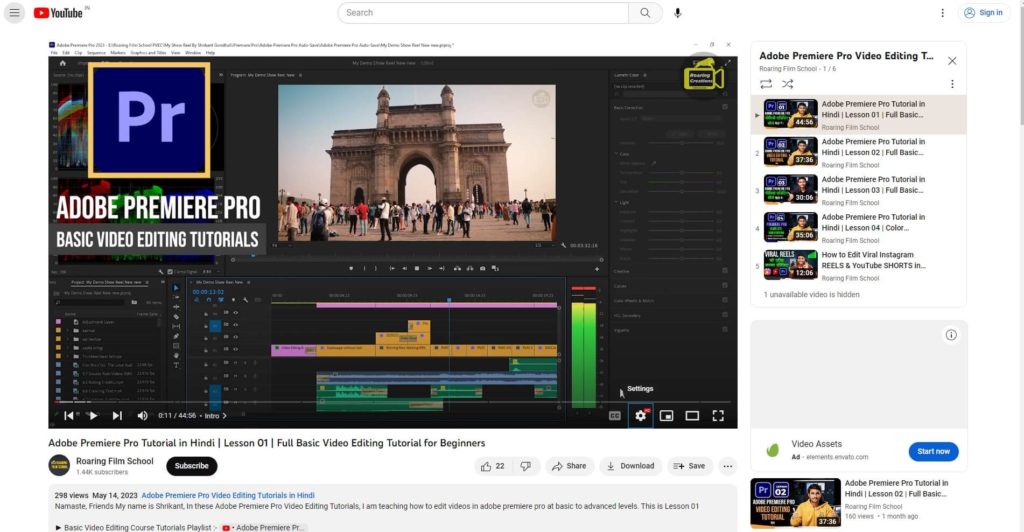
Adobe Premiere Pro
Learn Video Editing From Basic to Advanced Level (Complete Skills)
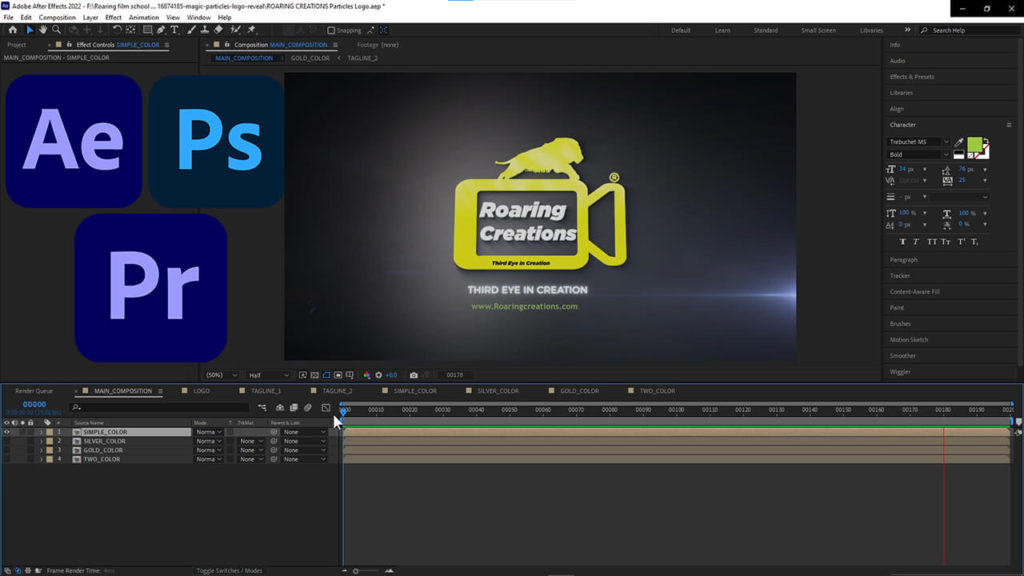
Adobe After Effects
For making 3D Logo intro only
Adobe Audition
For Removing Background Noise from Audio and EQ only
India’s First most practical Video Editing Training program designed for beginners, creators & entrepreneurs who want real growth & working skills.
100% Offline Classroom Training
Fully Hands-On Practical Learning
Digital Classroom + Studio Access
No Theory Overload – Learn Only What Works
Handhold Support to Start Your Video Editor Journey
🎯 Who Is This Course For?
Beginners who want to learn professional video editing from scratch
Students looking to build a career in video editing
Aspiring filmmakers who want to master cinematic editing techniques
YouTubers & content creators who want to edit high-quality YouTube videos
Shrikant is a dynamic young entrepreneur and creative person currently serving as the CMO at Roaring Creations Private Limited. With a strong blend of filmmaking technical expertise and creative vision, he plays a key role in building and scaling multiple media, education, and digital startups within the Roaring Creations Ecosystem.
He brings extensive hands-on experience in photography, travel filmmaking, ad filmmaking, video production, and professional video editing. Known for his larger-than-life cinematic visual style, Shrikant’s work stands out for its high production value, unique storytelling approach, and impactful editing techniques. His videos consistently attract millions of views across YouTube and social media platforms.
Alongside his leadership responsibilities, Shrikant is actively involved in his vlogging and content creation journey, sharing real-world insights from filmmaking, technology, and the creator economy. As an educator and mentor, he is admired by students worldwide for his simple, effective teaching style, making complex, creative, and technical concepts easy to understand and apply.
1. Who can join this professional video editing course?
This course is ideal for beginners, students, YouTubers, filmmakers, freelancers, content creators, and working professionals who want to learn professional video editing.
2. Is this course online or offline?
This is a 100% offline classroom-based course with hands-on practical training.
3. What software is taught in this course?
We teach professional video editing using Adobe Premiere Pro, including cinematic editing, YouTube editing, reels, ads, and commercial workflows.
4. Will you provide Adobe Premiere Pro software?
❌ No. Students must install Adobe Premiere Pro on their own laptops before joining the course. We guide you on recommended versions and system requirements.
5. Do you provide laptops or computers?
❌ No. Students are required to bring their own laptop to every class for practice and learning.
6. Will I learn cinematic video editing?
Yes. You will learn cinematic editing techniques, including storytelling, pacing, music, transitions, color basics, and visual flow.
7. Does the course cover YouTube, Reels, and Ads editing?
Yes. The course includes: YouTube long-form editing Instagram Reels & Shorts editing, Advertisement & promotional video editing
8. Is this course more practical or theory-based?
This course is highly practical. Every topic includes live demonstrations and hands-on practice.
9. Will I work on real projects during the course?
Yes. Students practice on real footage and assignments, including YouTube-style, cinematic, and commercial projects.
10. Do I need prior editing experience?
No prior experience is required. Basic computer knowledge is sufficient.
11. Will I get a certificate after completion?
Yes. You will receive a Professional Video Editing Course Completion Certificate.
12. Is there placement or freelancing support?
We provide career guidance, freelancing tips, and portfolio-building support, but job placement is not guaranteed.